
Android app
The asset management app built for places with no signal
Scan tags, register assets with photos, count audits and move equipment from a phone or a rugged handheld. Everything is saved on the device first and sent when there is a connection.
The problem
Warehouses, basements, stores and county offices are exactly where the signal drops. A tool that needs a connection to scan loses the scans, or makes people write codes on paper to enter later.
How it works in VexCloud AMS
01
Saved first, sent later
Every scan and every change is written to an encrypted database on the phone before you see feedback, so nothing is lost if the app closes or the battery dies. When the device is online again it sends what is waiting, in order, and the sync status screen shows what is held, what is waiting and what was refused.
02
Count an audit with a phone
Prepare an audit while you have a connection: the app downloads the expected set and opens a counting session. Then count offline. Each scan answers at once: found, already counted, found but expected elsewhere, or not in this audit.
Scan a location label to say where you are counting. Progress shows found against expected on the device.
03
Register assets in the field
Capture templates tell field staff exactly what to record. A "Laptop capture" can require number, serial, manufacturer, model, location, custodian and condition. Add photos, scan the tag and save: the asset is queued and created when the phone syncs.
04
Conflicts shown, not hidden
If the same asset was changed elsewhere while the phone was offline, the app does not guess. Changes that touch different fields merge. Real clashes appear as changes to settle on the web, where a person with access chooses which stands, and refused operations can be replayed.
05
Built for managed fleets
- The local database is encrypted, with its key held in the Android Keystore.
- Each phone is registered as a device. An administrator can disable it or wipe its data remotely.
- Managed configuration lets your IT team set the server address across a fleet.
- Rugged handheld scanners that type like a keyboard work in the same screens.
What is in the app
- Sign inWith a second step code where your organization requires one
- CompanyChoose the company the device works in
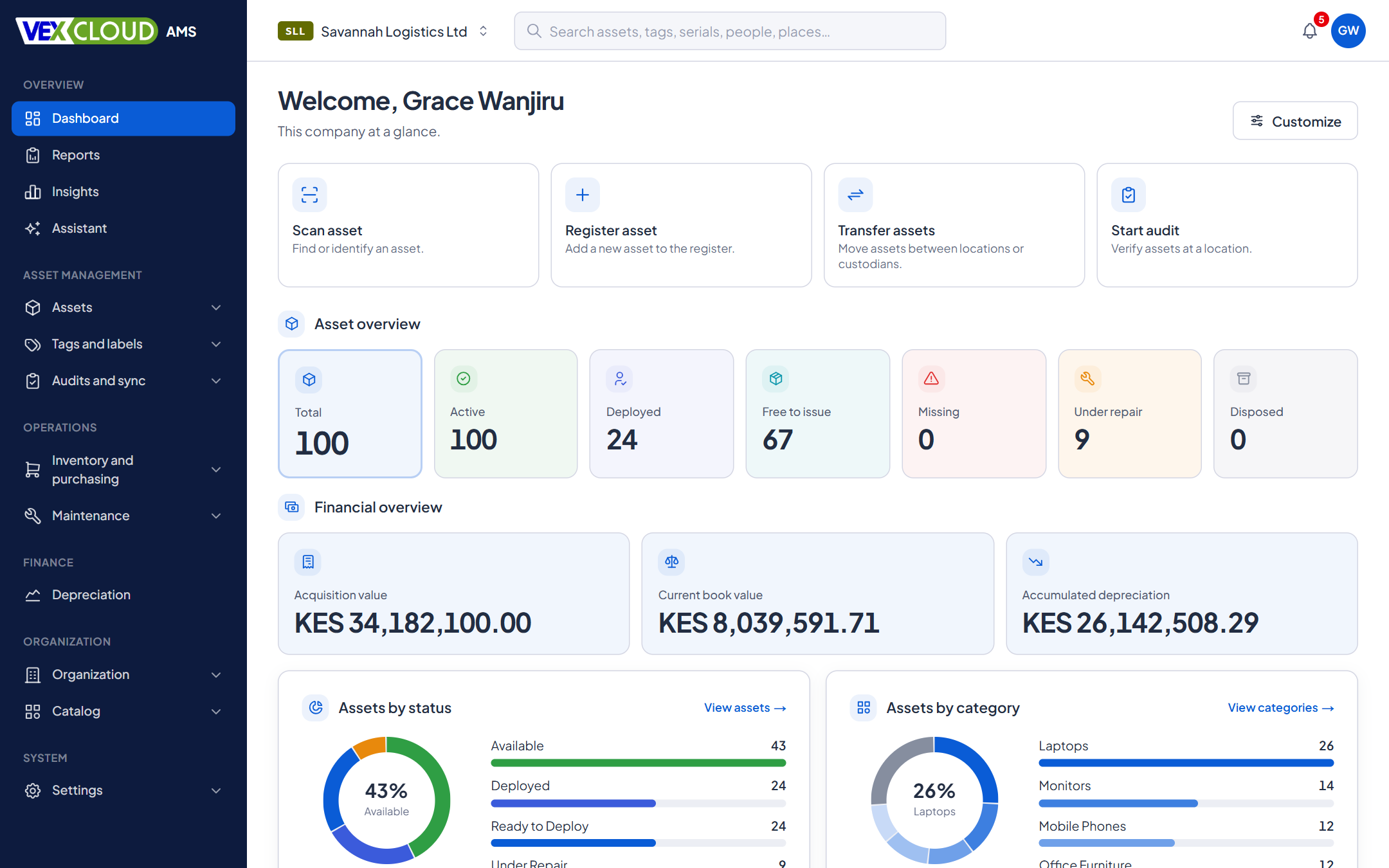
- DashboardThe company's figures, kept on the device for offline
- Find and scanText search, camera, or a keyboard-style scanner
- AssetStatus, location path, custodian, codes and custom values, offline
- CaptureRegister a new asset with a template, fields, photos and scans
- AuditCount an audit with instant feedback
- Check-inCheck in many assets, or check one in or out from its page
- TransferMove now, or request, dispatch and receive a shipment
- Sync statusWhat the device holds, what is waiting, what needs settling
- NotificationsAn inbox, and alerts in the Android shade
- ProfileScan sound and vibration, Wi-Fi-only sync, notification choices
Ask us for the app: contact the team.
Screens redrawn from the app, using its own wording.
Details
- Android
- 8.0 (API 26) and later
- Scanning
- Phone camera (on-device model, works offline), keyboard-style handheld scanners
- Offline window
- Set by your organization; default 7 days
- Local storage
- Encrypted database, key in the Android Keystore
- Sync
- Queued operations, per-field merge, conflicts for review, replay of refused operations
- Offline
- Find assets, view assets, capture, audit counting, bulk check-in
- Online
- Transfers, notifications
- Device control
- Register, disable, remote wipe
- Distribution
- Managed Google Play, or a signed APK for closed networks
- Plan
- Online and offline mode on every package
Related features
- Physical asset auditsScan what is really there and reconcile it against the register while you count.
- Check-in, check-out and transfersKnow who has every asset, and since when. Bulk check-in by scanning.
- Many companies, one loginSwitch the active company and every screen, report and tag number follows.
NGOs and donor-funded projects: field offices counting assets with no signal, then syncing at the end of the day.
Phones scan tags faster when the tags are clean and consistent. See barcode asset tags.
FAQ
Questions on android app, offline
How long can a phone work offline?
Your organization sets the offline window. The default is 7 days since the last successful sign-in, after which the app asks for an online sign-in. Anything still waiting on the device is kept.
What if two people change the same asset offline?
Changes are merged field by field where they do not clash. Where they do, the conflict is shown for review on the web, and nothing is overwritten silently.
What if a phone is lost?
An administrator can disable the device or order a wipe. The app's encrypted local data and its key are erased the next time it contacts the server.
Can we manage the app on our own phones?
Yes. The app takes managed configuration for the server address, so it can be pushed to a fleet through Managed Google Play. It can also be installed as a signed APK on closed networks.
Which Android versions does it run on?
Android 8.0 (API 26) and later.
See your own assets in VexCloud AMS.
Book a 30-minute demo.